



How to Create a Property Listing and Market It Internationally with ClubProperty
Today, real estate is global. Buyers, investors, and relocating families no longer search strictly within their own zip code or language—an apartment in Zurich might be purchased by an investor in London, a villa in Spain by a family from Stockholm, or a commercial space in Dubai by a buyer in New York.
One property listing. Multiple languages. A world of possibilities.
Welcome to ClubProperty.com, where publishing a property is completely free—and just the beginning. Whether you are a private property owner, real estate agent, developer, or property professional, ClubProperty gives you an all-in-one PropTech workspace to present, promote, and manage your opportunities internationally.
By combining automatic multilingual translation, a virtual viewing calendar, a built-in client CRM, QR-enabled social videos, and luxury designer flyers, active users can generate up to 50% more visibility and qualified inquiries from a single listing.
1. How to Create a Property Listing (Step-by-Step & Essential Rules)
Creating a complete, accurate listing is the foundation of your international reach.
How to publish your property:
-
Log in to your ClubProperty.com account and open your Property Dashboard.
-
Click Add a New Property.
-
Enter your property title and description (in your preferred language).
-
Select the country, exact location, and property type.
-
Add the asking price, surface area ($m^2$ or $sq\ ft$), bedrooms, bathrooms, and key amenities.
-
Upload bright, high-resolution horizontal photographs and any floor plans or supporting media.
-
Review your details and click Publish.
Essential Listing Rules:
-
Be accurate and transparent: Ensure asking prices, measurements, and locations are verified and up to date.
-
Use genuine, high-quality photos: Avoid watermarks, embedded phone numbers, or low-resolution screenshots—your photos power your auto-generated flyers and social videos.
-
No duplicate ads: Keep one clean, authoritative listing per property and update its status promptly when sold, rented, or repriced.
2. The Multilingual Advantage: Write in Your Language, Reach the World
You do not need to be fluent in English to market your property to international buyers.
How our English Bridge Translation works:
You can enter your property title and description in your native language. Because English is the universal language of international real estate—and the core indexing engine of our platform—any listing entered in another language is automatically translated into English. This standardized English foundation allows ClubProperty to accurately translate and display your property in 20+ global languages.
Why this matters: Imagine listing a villa in Spain in Spanish. Without leaving your dashboard, a buyer in Switzerland, Germany, France, or the United Kingdom can discover and read your property seamlessly in their own language.
Tips for flawless international translations:
-
Write clear, complete sentences.
-
Avoid heavy local slang or cryptic abbreviations (write “3-bedroom apartment with balcony” instead of local shorthand).
-
Double-check proper nouns, addresses, and currency figures.
-
Review your listing after publishing to ensure every detail reads naturally.
3. Use Your Viewing Calendar to Organize Virtual & In-Person Appointments
Never lose a motivated international buyer to slow email chains or confusing time zones. Your built-in ClubProperty Booking Calendar lets clients schedule directly into your open slots.
Use your calendar for:
-
Virtual video property tours (ideal for overseas buyers)
-
対面物件見学
-
Buyer & investor consultations
How to set up and share your calendar:
-
Open the Calendar section in your dashboard and configure your available days and hours.
-
Select the appointment types you offer (Virtual Viewing, In-Person Visit, or Consultation).
-
Copy your booking link and share it on your property listing, email signature, WhatsApp, or social media bio.
-
Receive and manage confirmed bookings directly in your dashboard.
Pro Tip: Always enable Virtual Viewing slots. Overseas buyers are far more likely to book a 15-minute live video walkthrough before committing to a flight.
4. Save and Manage Potential Customers in Your CRM
Every inquiry, QR scan, and calendar booking is a potential deal. ClubProperty includes an integrated Client Management Workspace (CRM) so you never lose track of a lead.
-
Save & organize contacts: Automatically capture details from inquiries and bookings, or manually add walk-in buyers, sellers, and investors.
-
Track buyer criteria: Record notes on whether a contact is seeking a primary residence, holiday home, or yield investment, along with budget and follow-up dates.
-
Maintain full ownership: All leads route directly to you—handle client data responsibly in line with local data protection standards (such as GDPR).
5. Boost Visibility by 50% with Built-In Marketing Tools
Listings that are actively shared across social and print channels generate up to 50% more views and inquiries. Click the Share with QR Code button on any live listing to create three ready-to-use marketing assets in seconds—no external design software required:
| Marketing Tool | Best Channels | Key Benefit |
| Short Videos, Reels & Stories | Instagram Reels/Stories, TikTok, YouTube Shorts, Facebook, WhatsApp | Turns your best photos, price, and highlights into vertical video cards with an embedded QR code linking straight to your listing. |
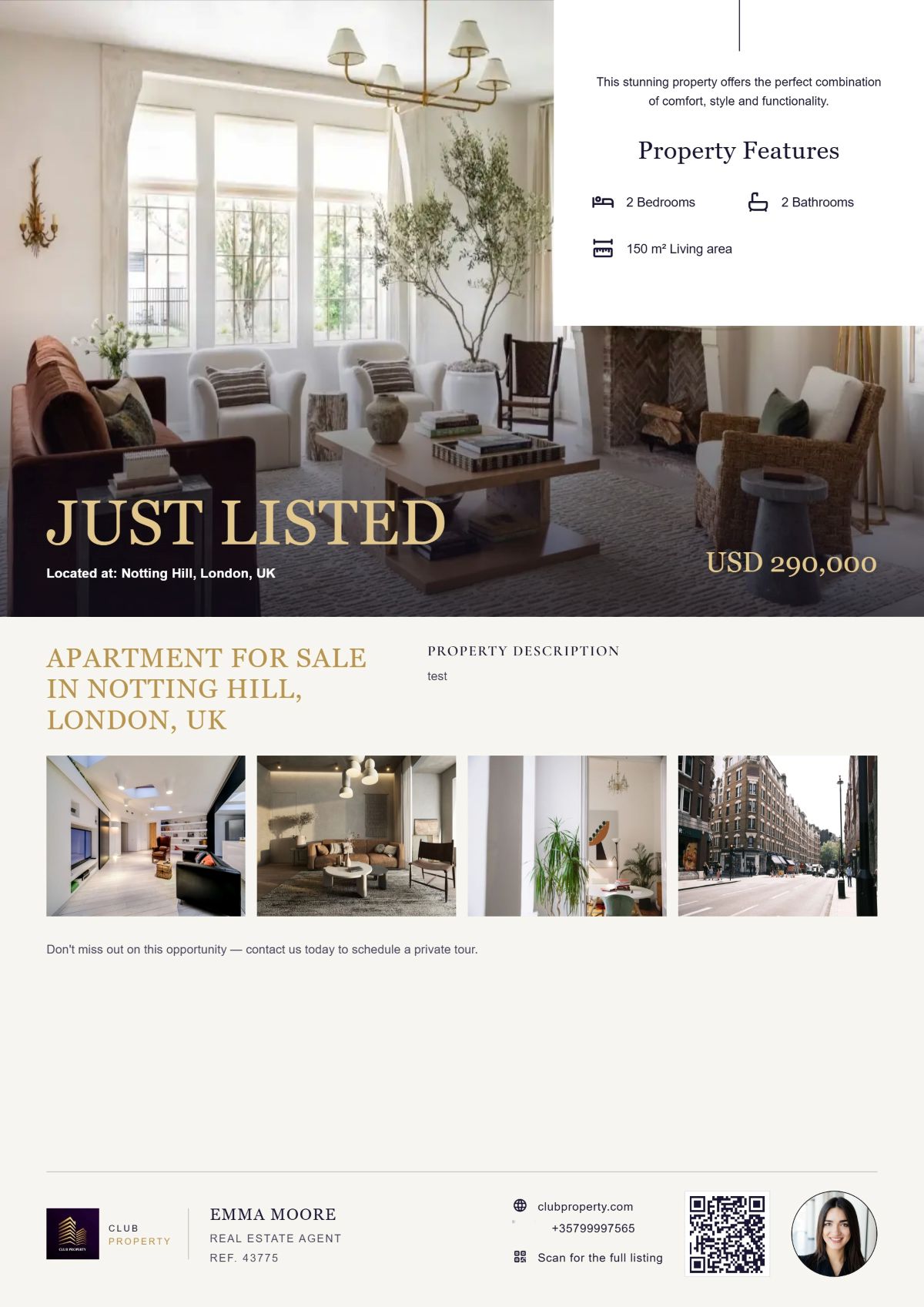
| Multilingual Luxury Flyers | Investor emails, WhatsApp, open houses, window displays, print brochures | Generates Light or Dark luxury designer PDFs in English, German, French, Spanish, Italian, and more—auto-filled with your listing data. |
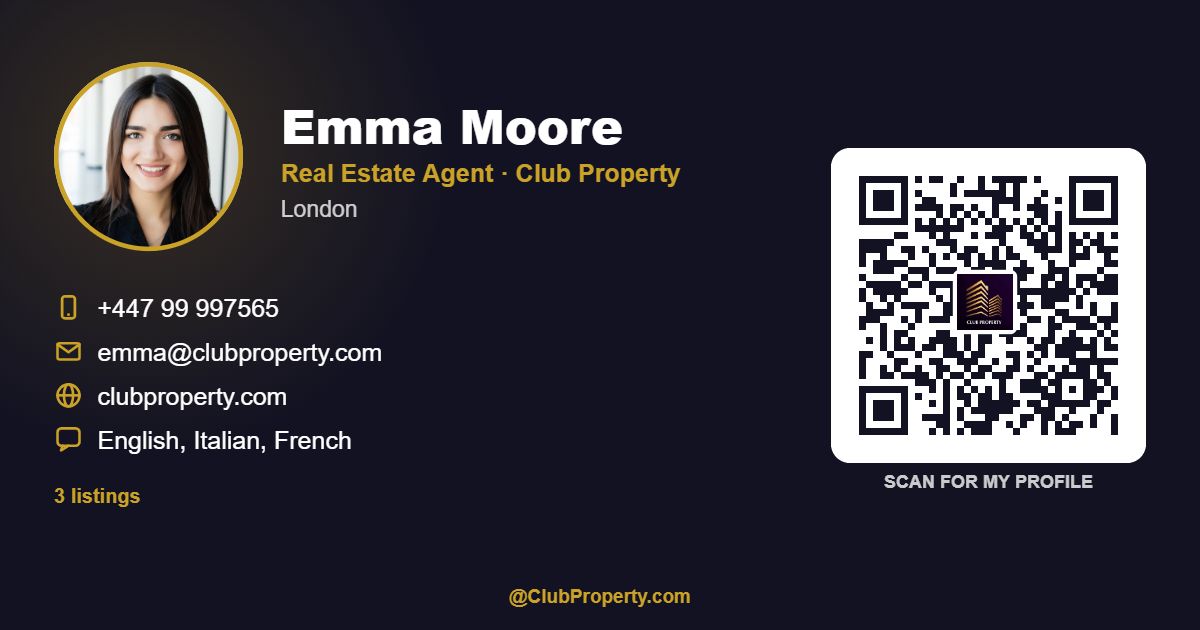
| Dynamic Property QR Codes | Yard signs, business cards, print ads, presentations | Connects offline foot traffic directly to your live, multilingual digital listing—and tracks every scan in your analytics. |
6. The 5-Minute ClubProperty Launch Checklist
Before closing your dashboard, run through these five quick steps to maximize your listing’s performance:
-
Verify & Translate: Confirm your photos are crisp and check your automatic English translation for clarity.
-
Open Your Calendar: Set your available hours for virtual and in-person viewings.
-
Generate Your Flyer: Download a luxury PDF flyer in the language of your top target buyer market.
-
Post a Story / Reel: Share your QR-enabled property video card on Instagram, LinkedIn, or WhatsApp.
-
Track & Follow Up: Monitor your listing views and QR scan analytics, and log every inquiry in your Client CRM.
7. Frequently Asked Questions
Do I need to write my listing in English?
No. Enter your property in your preferred language—ClubProperty automatically translates non-English listings into English so they can be indexed and displayed across 20+ languages worldwide.
Can I organize virtual property viewings for international buyers?
Yes. Configure your availability in your ClubProperty Calendar and share your booking link so international clients can schedule virtual tours or consultations in their own time zone.
Can I save and organize potential customers?
Yes. Use your built-in Client Management workspace to store contact details, buyer requirements, and follow-up notes.
Can I create flyers and social videos without graphic design software?
Yes. Directly from your live listing, you can generate vertical social media videos/stories, dynamic QR codes, and multilingual luxury designer flyers in Light or Dark themes in seconds.
あなたの作品は世界中の読者に値します
Don’t simply publish your property and wait for someone to find it. Present it beautifully, make it accessible in multiple languages, automate your viewing calendar, and share luxury marketing assets across every channel.
One listing. Multiple languages. A world of possibilities.
👉 Create Your Free Listing on ClubProperty.com | Explore Our Free Real Estate Marketing Tools